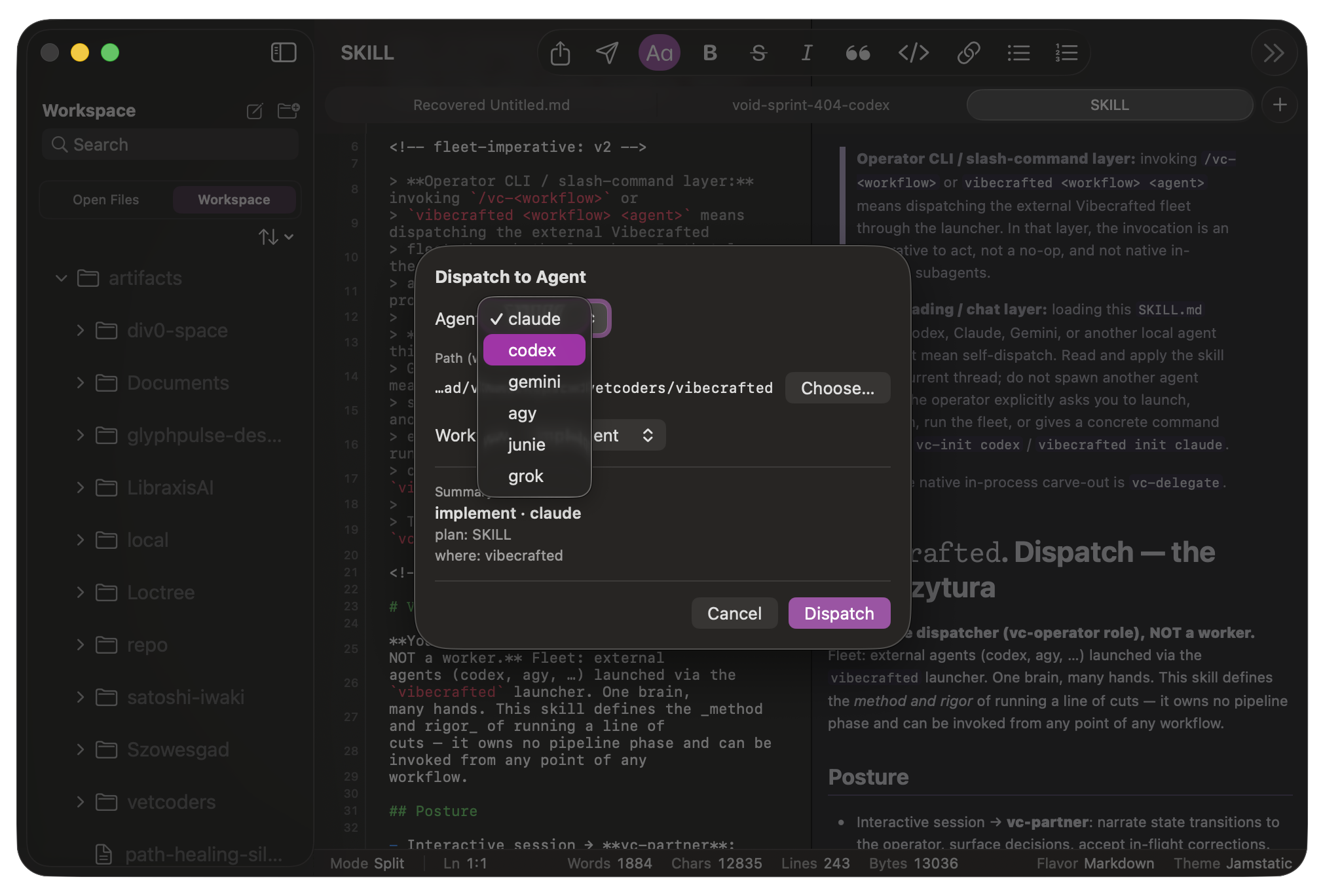
Write in Markdown, read it rendered.
You edit the Markdown source; Pensieve adds the rest — project search, live preview, backlinks, tabs, and sharing. Exports cover HTML, PDF, and Word DOCX; Word and text-based PDF documents come back as editable Markdown drafts without changing the originals.
What’s new.
Dictation, on your Mac
A local dictation panel with automatic, Polish, and English recognition. The transcript assembles as you speak and lands at your cursor, aware of the current selection.
Autocomplete from your provider
Inline completion backed by your own OpenAI or Anthropic endpoint: pick a model from live discovery, bring an API key, and it stays in the macOS Keychain. The completion continues your document — it doesn’t answer it like chat.
Big workspaces stay fluid
Scans run off the main thread, deep folder changes reach the sidebar the moment they happen, and Trash is immediate — the tree changes only after the file is actually recycled.
Get the build.
Releases are published on GitHub; this page always points at the latest DMG. Open it, drag Pensieve to Applications, done. The checksum below matches the current build if you want to verify the download.